01 · Recorded workflow · 27 seconds
Earlier-version reference recording
Install products and open them in Premiere
From Product Manager installation checks to launching Premiere extensions and resident-menu apps.
Read the video walkthrough
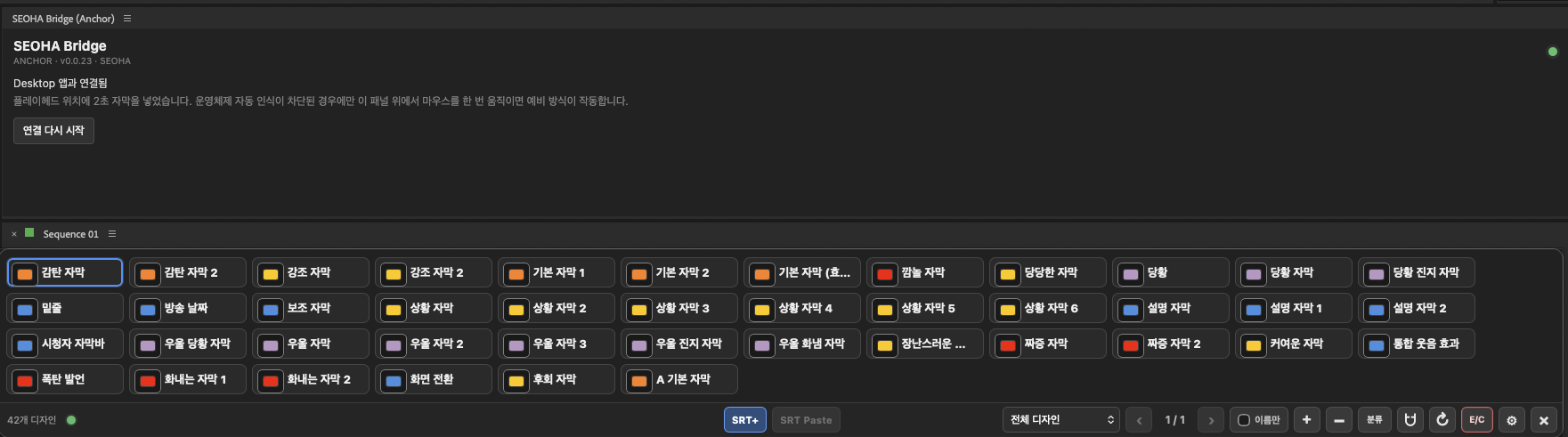
Install the required products and shared SEOHA Bridge in Product Manager. Review and follow the installation instructions, then open Premiere. Open SEOHA Bridge and Caption Check from the Extensions menu, and launch Graphics Deck or Search Deck from the resident icon. Account information and the desktop were excluded from the public recording. Premiere must be fully quit and reopened after installation.